How to add Kazawallet Plus Card to Apple Wallet (Apple pay)?
Kazawallet Plus Card tier was specifically designed to provide you with full compatibility with Apple Wallet. Here is the steps to add Kazawallet Plus Card to Apple Wallet:
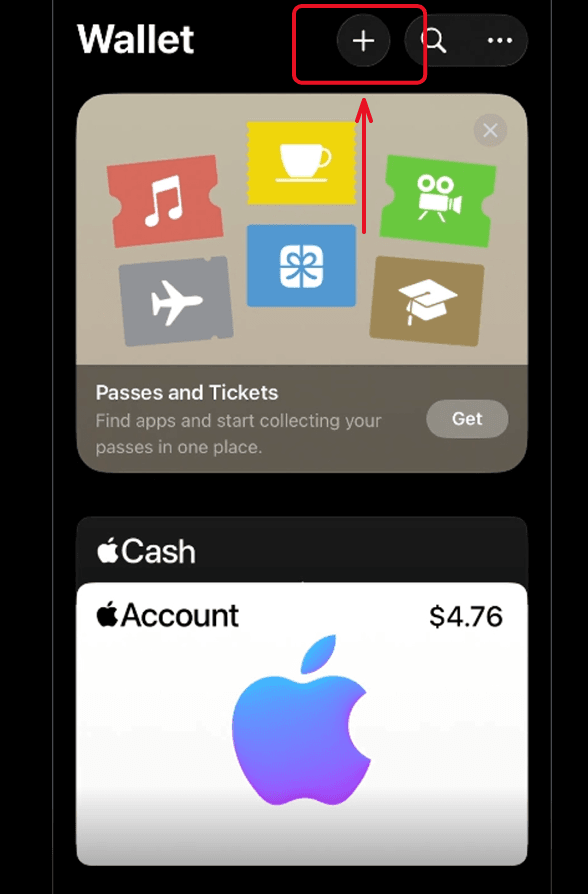
- Open the Apple Wallet app pre-installed on your iPhone.
- At the top of the screen, tap the plus sign (+).
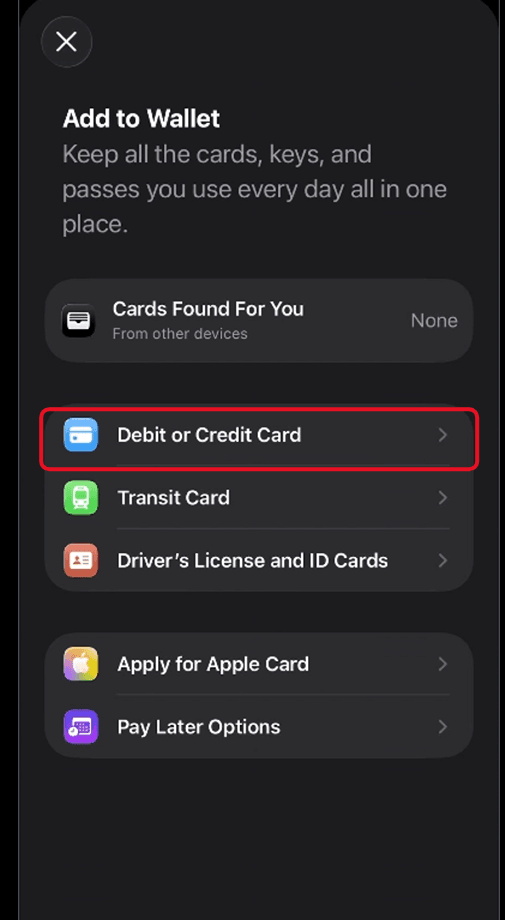
- Select the "Debit or Credit Card" option, then tap"Continue."
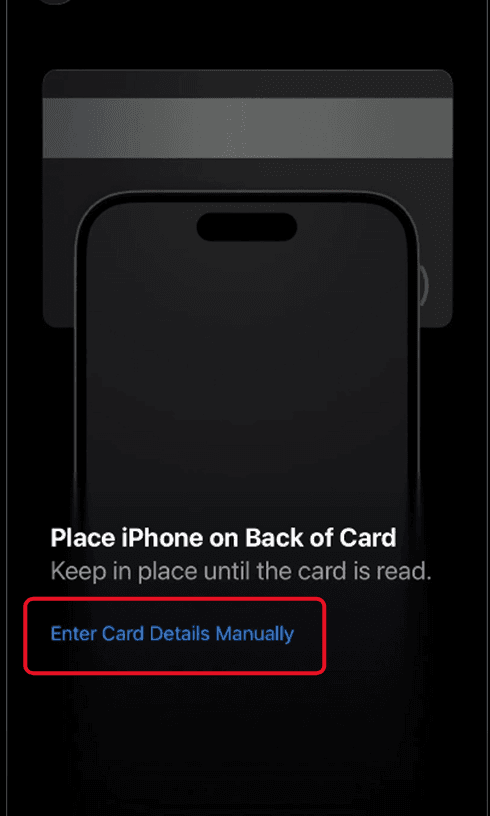
- The app will open your phone's camera. Since your card is digital, tap "Enter Card Details Manually" at the bottom of the screen.
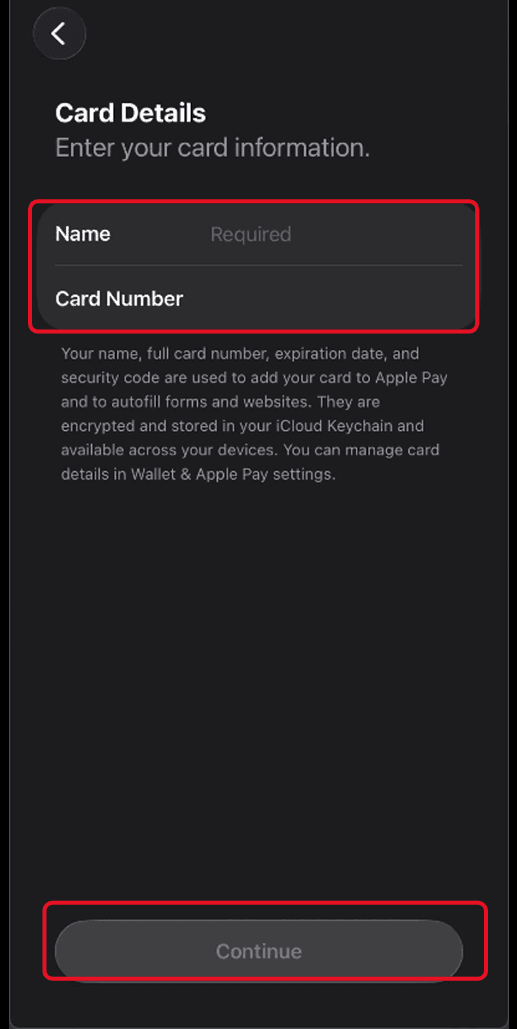
- Enter your name exactly as it appears in your card details, copy the 16-digit Card Number, paste it into the designated field, and tap"Next."
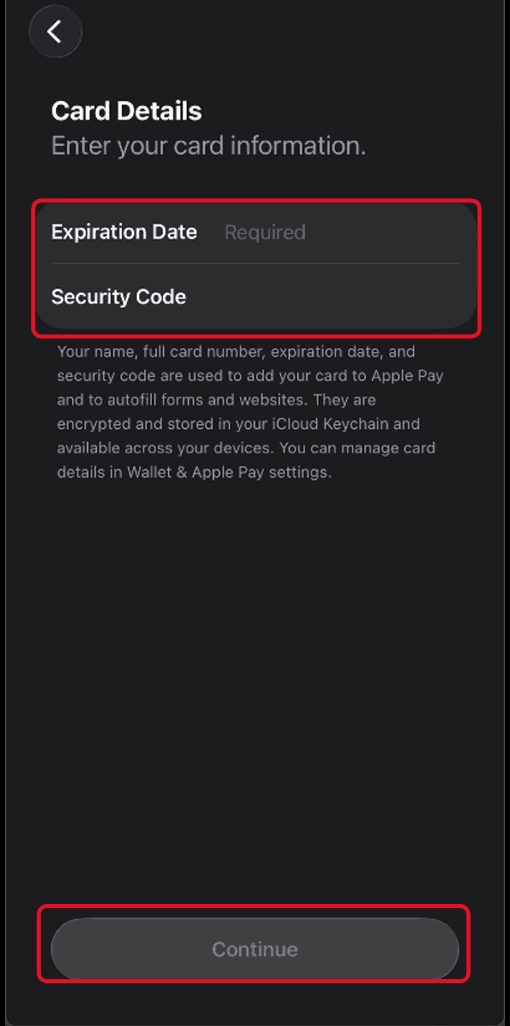
- Enter your Expiry Date and the 3-digit Security Code (CVV/CVC), then tap"Next."
The service "Terms and Conditions" screen will appear; tap "Agree" at the bottom to proceed.
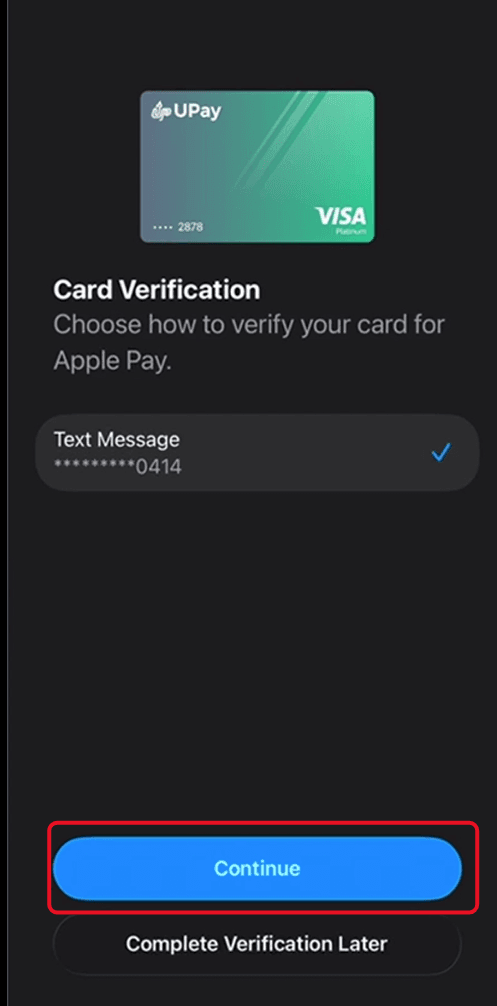
- Choose your preferred verification method to activate the card (via an SMS text message sent to your number), then tap Continue.
- Enter the verification code you received in the designated field
A confirmation message will state "Card Activated" and note that it is ready to use. Tap "Done."
Your Kazawallet Plus Card is now safely stored inside your Apple Wallet, and you can set it as your default payment card with a single tap.
Alternatively, you can view the video below for the detailed steps: